Skip to content

The permanent system of record

The work got
done. Here's
the proof.

Post a permanent QR where the clipboard used to hang. Your team scans to log each check in seconds. Every entry lands in one history you can search, export, and defend.

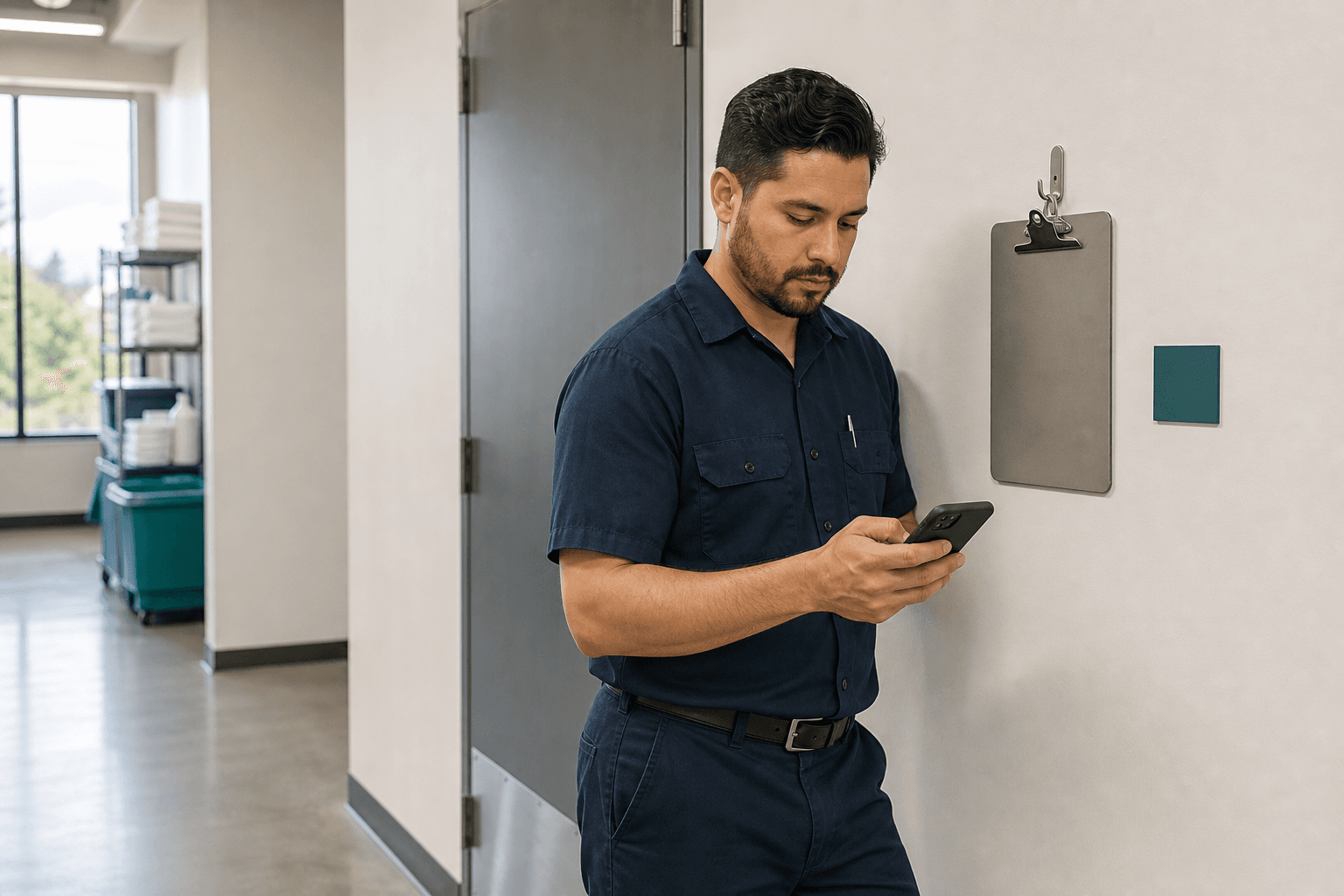
A worker using a phone beside a wall-mounted clipboard station

STAFF SCAN

To log this
station

WALK-IN COOLERMain St. Café · QR live · 184 entries

A record attached to the place

01Lives at the location, not in an inbox
02Your team logs in seconds, from their phone
03One history you can search, prove, and retain

One sign.
One record.

The code stays with the place. Every scan adds a timestamped entry to the same history. Nothing gets overwritten.

01

Anchor it to the work

Give the room, asset, or station its own named logbook.

02

Post the permanent QR

Print it once and mount it right where the paper log lived.

03

Staff log in seconds

Your team scans the sign and submits without an app or account.

04

Keep the full history

Search, export, and correct without erasing the original.

Where the record lives

A form collects answers.
A ledger bears witness.

Every entry is filed like a record of account: timestamped, attributed, and preserved even when it is corrected.

Walk-in cooler — Entry ledger

MAIN STREET CAFÉ · PREP KITCHEN · 184 ON FILE

QR liveOriginals retained
No.FiledContributorTempStatus
18410:02 AMElena Morales38°FFILED
1838:01 AMAndre Kim

Temperature: “93°F” amended to “39°F”.

TRANSPOSED DIGITS · CORRECTED 8:14 AM · SAM PATEL · ORIGINAL RETAINED

39°FAMENDED
1826:03 AMMaya Chen37°FFILED

The paper routine, upgraded

Same routine.
Better evidence.

Staff still record the check where the work happens. The difference is what the owner can retrieve afterward.

Before · paper clipboard

Walk-in cooler log

ONE COPY
A worn paper temperature log on a clipboard in a commercial kitchen

Easy to use. Hard to search, prove, or recover.

After · point-of-work entry

Walk-in cooler record

The mobile LoggedAt entry page with common fields already completed
3 of 4 required complete

The same check becomes a timestamped, searchable record.

Product direction · planned

Next, the record
watches the shift.

Owner-set thresholds and overdue reminders are planned, not active today. The goal is to surface exceptions without turning routine recordkeeping into a heavy inspection platform.

An abnormal value crosses an owner-set range
A recurring check becomes overdue
An entry is corrected after submission
A daily or weekly summary is ready
Concept preview · not active
Planned threshold alertEXAMPLE

Walk-in cooler logged 46°F

EXAMPLE LIMIT ≤ 40°F · MAIN STREET CAFÉ

Opening checklist overdue

PLANNED REMINDER · RIVERSIDE LOCATION

Planned daily digest

“All 12 logbooks reported in. One entry amended, none missed.”

Post one anywhere
a clipboard hangs.

Each logbook belongs to a real place and keeps one continuing history for the checks that happen there.

≤ 40°F

Walk-in cooler

Temperature · beside the cooler door

HOURLY

Restroom cleaned

Sign-off · outside the restroom door

PER SHIFT

Equipment check

Condition · beside the asset

pH 7.2–7.8

Pool chemistry

Reading · on the pool deck

PRE-TRIP

Vehicle pre-trip

Inspection · in the fleet yard

BY 9:00 AM

Opening record

Checklist · at the manager station

Inside the app

Where the owner keeps the file.

Open the live record
← All logbooks

Walk-in cooler

MAIN STREET CAFÉ · PREP KITCHEN

Open entry form

Corrections add context without replacing the original entry.

Permanent QR liveContributor name required

Entry ledger

4 SHOWN · PAGE 1 · 184 ON FILE

No.FiledContributorTempStatus
184Jul 22 · 10:02Elena Morales38°FFILED
183Jul 22 · 08:01Andre Kim39°FAMENDED
182Jul 22 · 06:03Maya Chen37°FFILED
181Jul 21 · 21:58Elena Morales38°FFILED
PAGE 1 OF 46Older

Replace one
clipboard today.

Create the logbook, print its QR sign, and post it where the paper log lives. Start with one place and keep every entry together.